

Floorp v12.14.0 Release Notes
Release notes tell you what's new in Floorp.
Your feedback The Floorp Projects welcomes. You can submit bug report and new feature code on GitHub, and check the Floorp of source code used for this release.
We would like to express our special thanks to all the developers, users, and contributors who contributed to this release.
⭐️ New Features
- Command Palette is here. Access over 100 browser actions quickly with simple keyboard shortcuts.
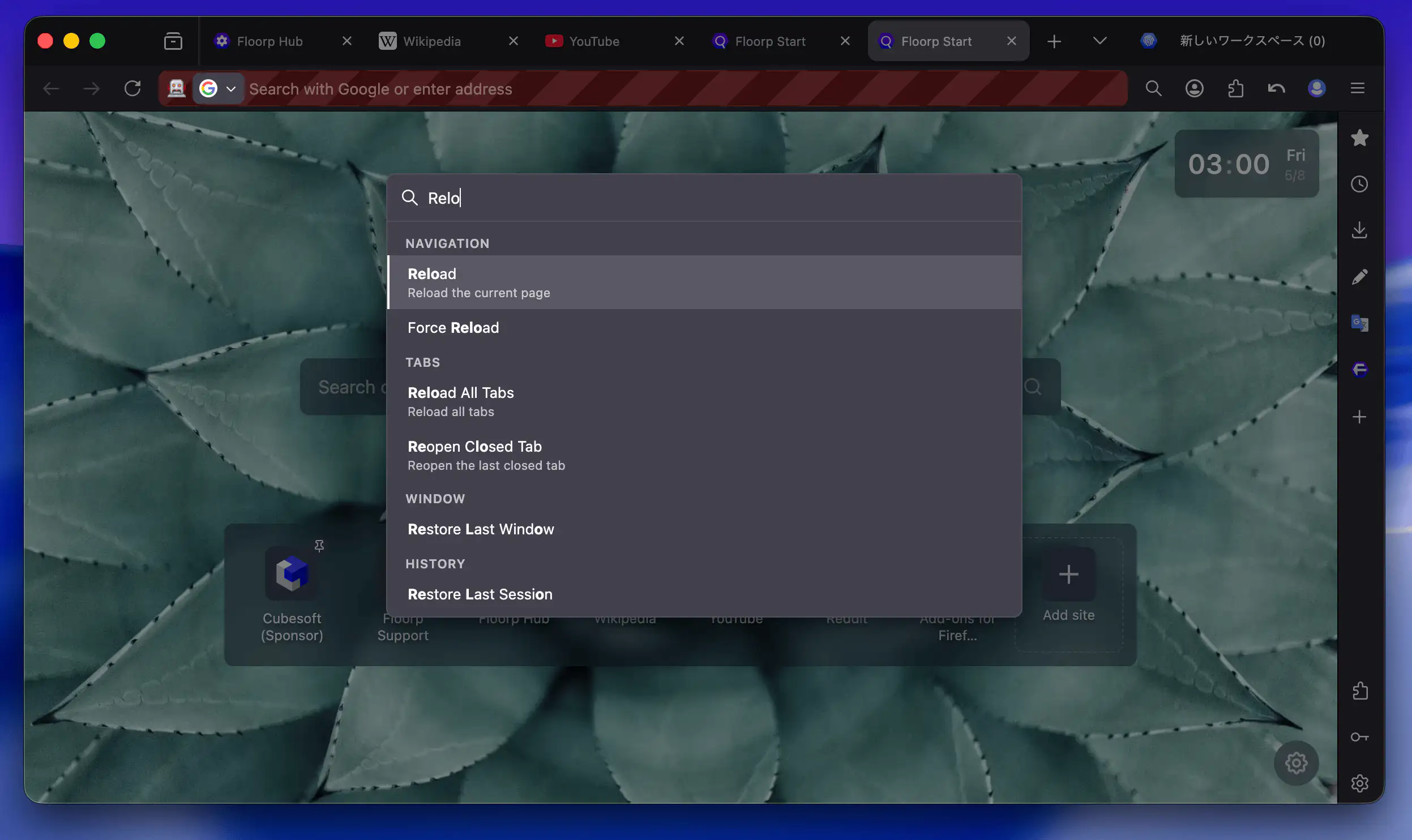
The Command Palette is a unified keyboard-driven interface for managing browser actions. No more hunting through menus — just type a keyword and jump straight to the command you need.
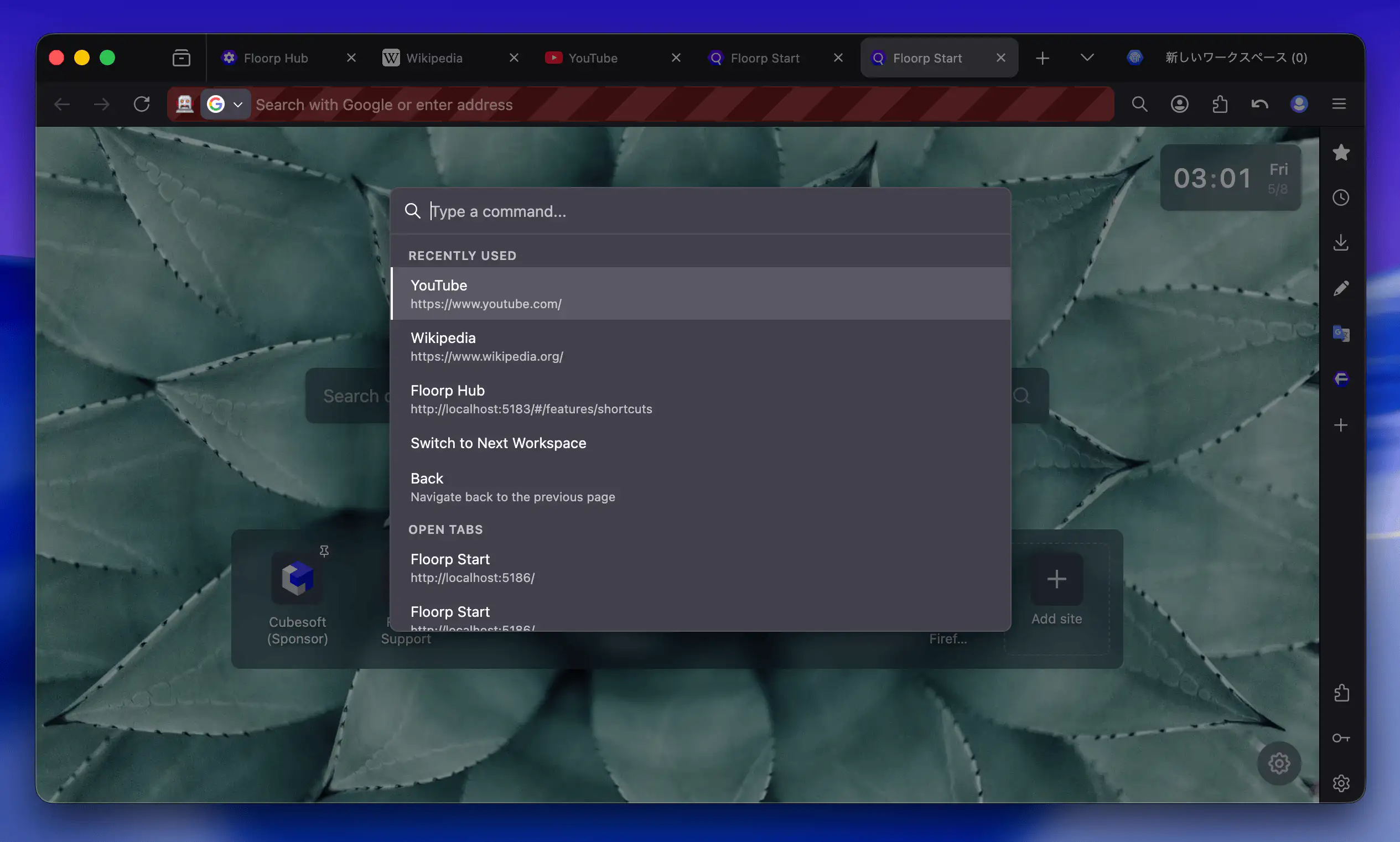
- Quick access to recently used items and open tabs
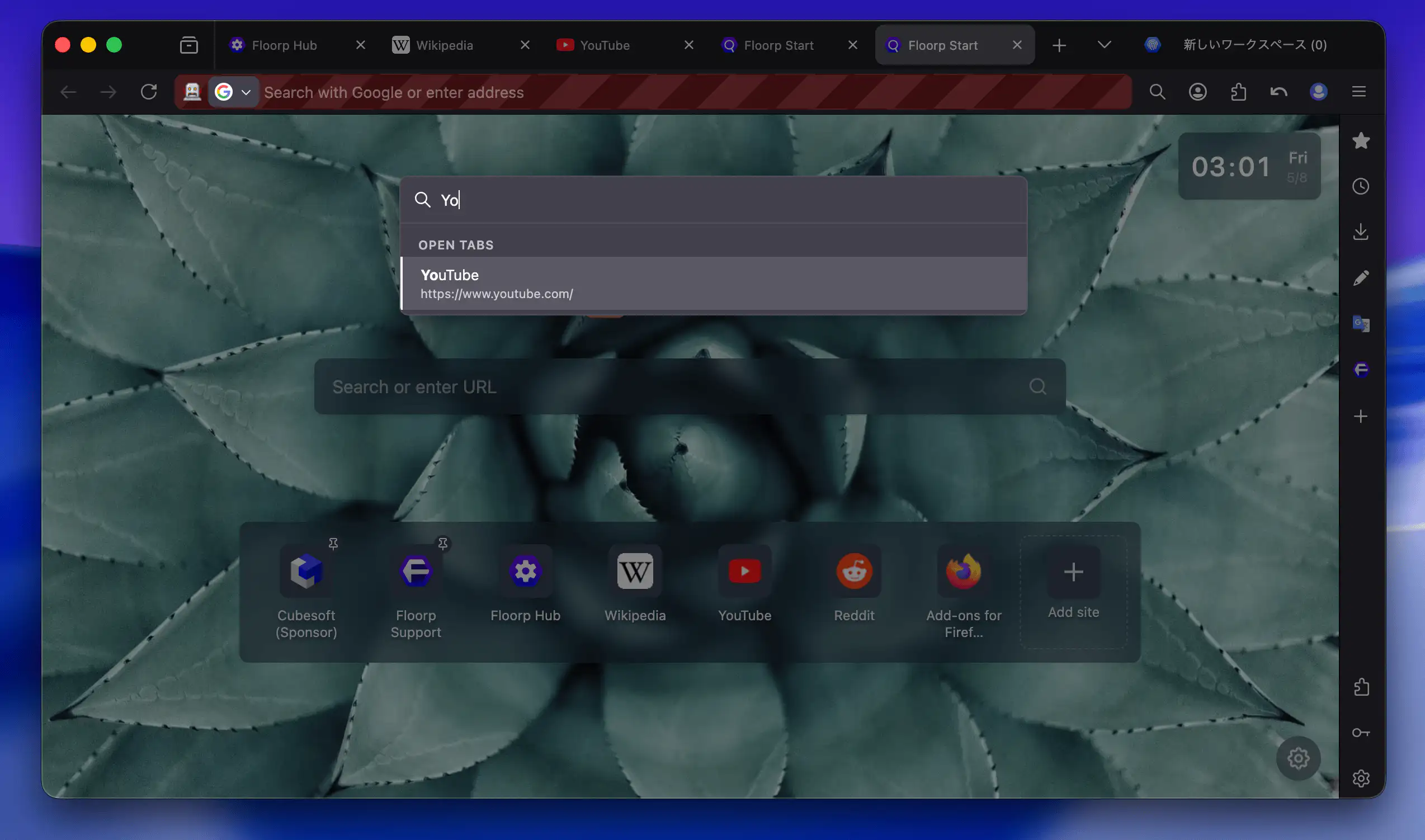
- Search and switch tabs
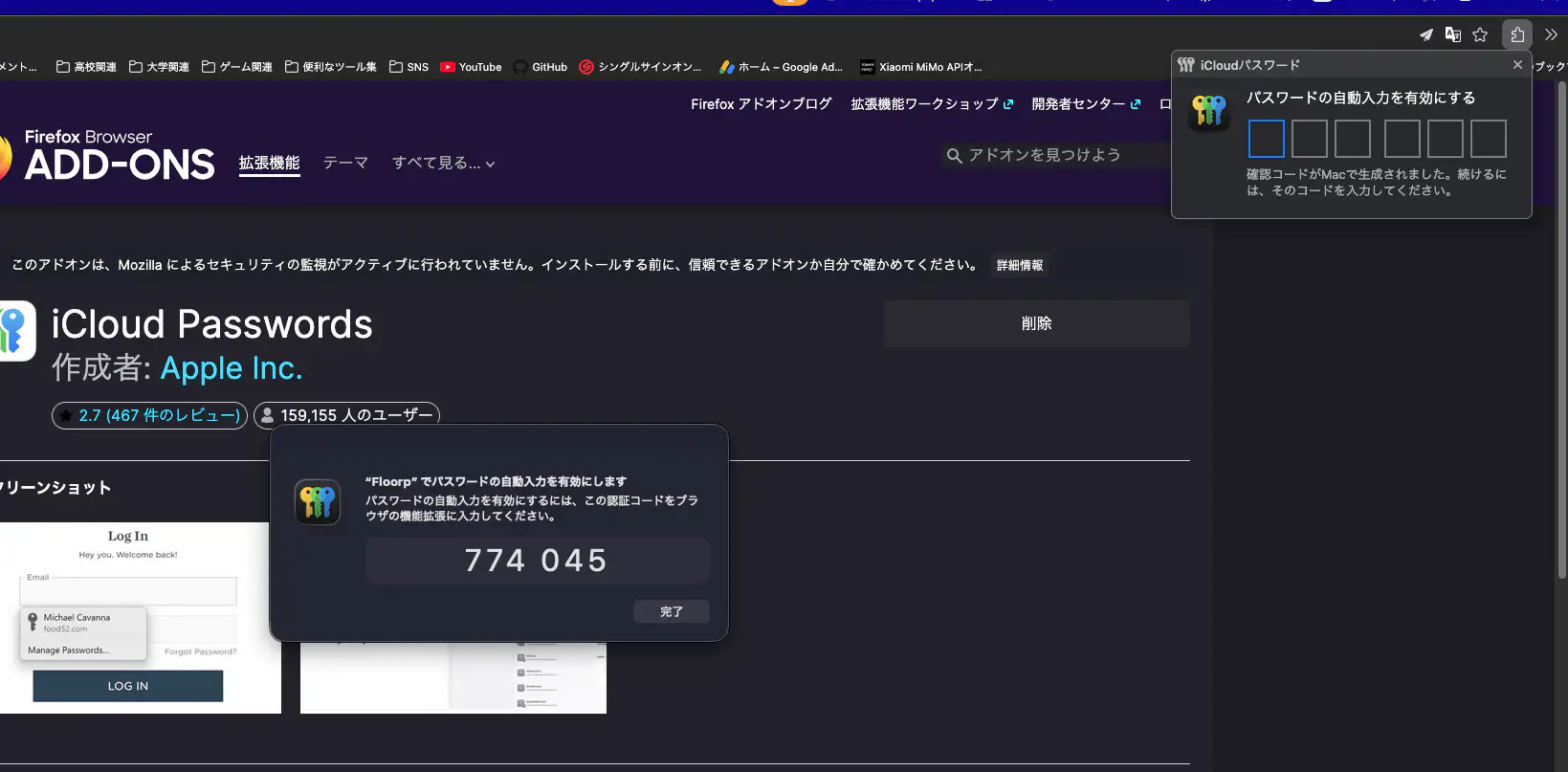
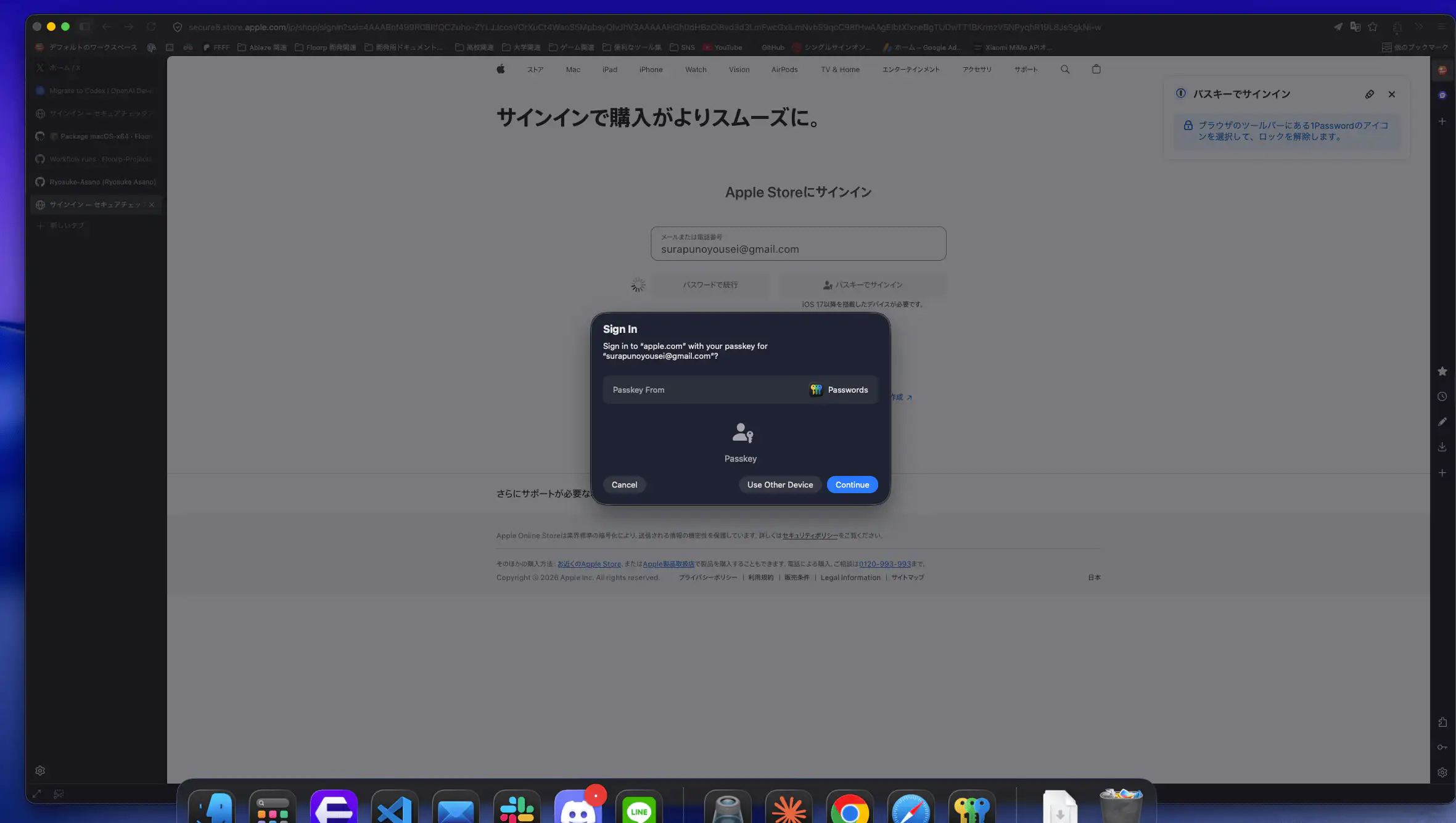
- Passkeys and iCloud Passwords are now supported on macOS. Thanks to the application ID change made in v12.13.0, you can now use passkey authentication and iCloud Password auto-fill on macOS.
🔄 Changes
- No changes in this release.
⚠️ Bug Fixes
- TODO: List the fixes here.